Convert Bank Statements to CSV with AI
Instantly parse PDF bank and credit card statements into clean, structured data. Ready for Excel, QuickBooks, or your favorite budgeting app.
WORKS WITH ANY STATEMENT FROM
Everything you need
Stop manually entering data. Let our AI handle the messy details.
AI-Powered Parsing
We use advanced vision models (Claude, GPT-4) to extract transactions with high accuracy.
Multi-Format Support
Works with PDF statements from major banks and credit card issuers.
Export to Anywhere
Download as CSV, or formatted for QuickBooks, Xero, and YNAB.
Smart Categorization
Transactions are automatically categorized for instant spending insights.
Secure by Design
Your data is encrypted at rest and in transit. We prioritize your privacy.
History & Search
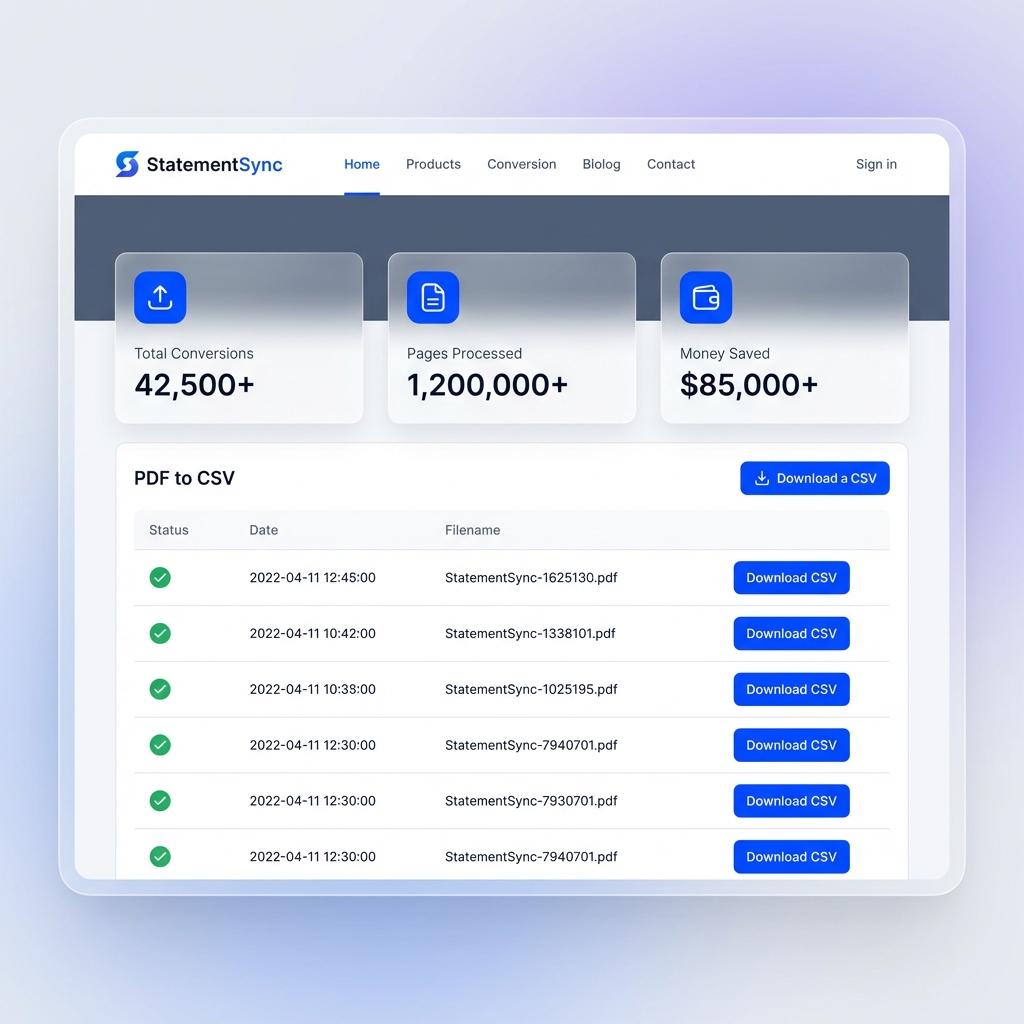
Keep track of all your converted statements and search through past transactions.
How it Works
Turn your messy PDF statements into structured data in seconds.
1. Upload PDF
Drag and drop your bank or credit card statements. We support multiple files at once.
2. AI Processing
Our AI vision models read the document just like a human would, extracting every transaction.
3. Export Data
Download your clean data as CSV, Excel, or directly to QuickBooks and Xero.
Frequently Asked Questions
Everything you need to know about StatementSync.
Is my financial data secure?+
Yes. We take security seriously. All uploads are encrypted at rest and in transit. Your statements are processed temporarily and are not used to train AI models. You can delete your history at any time.
Which banks do you support?+
We support almost all major banks globally, including Chase, AMEX, Wells Fargo, HSBC, Commonwealth Bank, ANZ, and many more. Our AI-powered extraction works with any clear PDF statement regardless of the specific bank's format.
Can I export to accounting software?+
Absolutely. You can download your transactions in generic CSV format or use our specialized templates for QuickBooks, Xero, YNAB, and more.
Is there a limit on how many files I can upload?+
The Free plan includes 3 conversions per month. Our Pro and Business plans offer higher limits and additional features like priority processing and extended history.
What if the AI makes a mistake?+
Our AI is 99% accurate, but we provide an interactive review table where you can verify and edit transactions before exporting to ensure perfect data integrity.